


カメラを接続
ウェブカメラを接続すれば、あとは Swapface にお任せ。
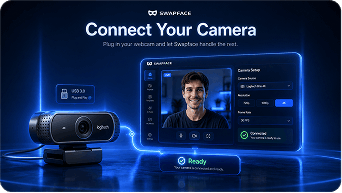
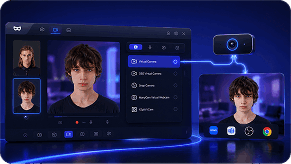
カメラをつないで顔を選ぶだけで、スムーズなトラッキング・自然な表情・超低遅延でライブ映像を変換できます。
元のカメラ映像と仮想カメラの出力をリアルタイムでプレビューできます。
リアルタイムで顔を交換し、すぐにライブ配信。 超高速・安全、クリエイター向け。


ウェブカメラを接続すれば、あとは Swapface にお任せ。
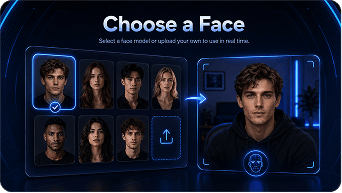
顔モデルを選ぶか、自分の写真をアップロードしてリアルタイムで使用。
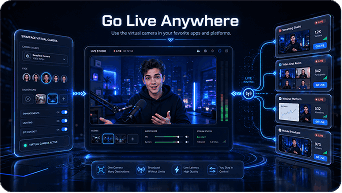
お気に入りのアプリやプラットフォームで仮想カメラを使用。
高度なリアルタイム技術が、超低遅延と安定性でシームレスなフェイススワップを実現します。
リアルタイム性能向けに最適化し、遅延を最小化。
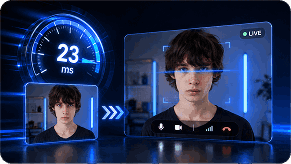
顔の動きと表情を正確に追跡。

ウェブカメラ対応のあらゆるアプリとシームレスに動作。
AI 処理は端末上で実行。データは端末内に留まります。

ゲーム配信から会議まで、Swapface で魅力的なライブコンテンツをどこでも作成できます。
 ゲーム配信
ゲーム配信 VTuber コンテンツ
 ライブチャット
 ビデオ会議
ビデオ会議 クリエイティブコンテンツ
 エンタメ
エンタメ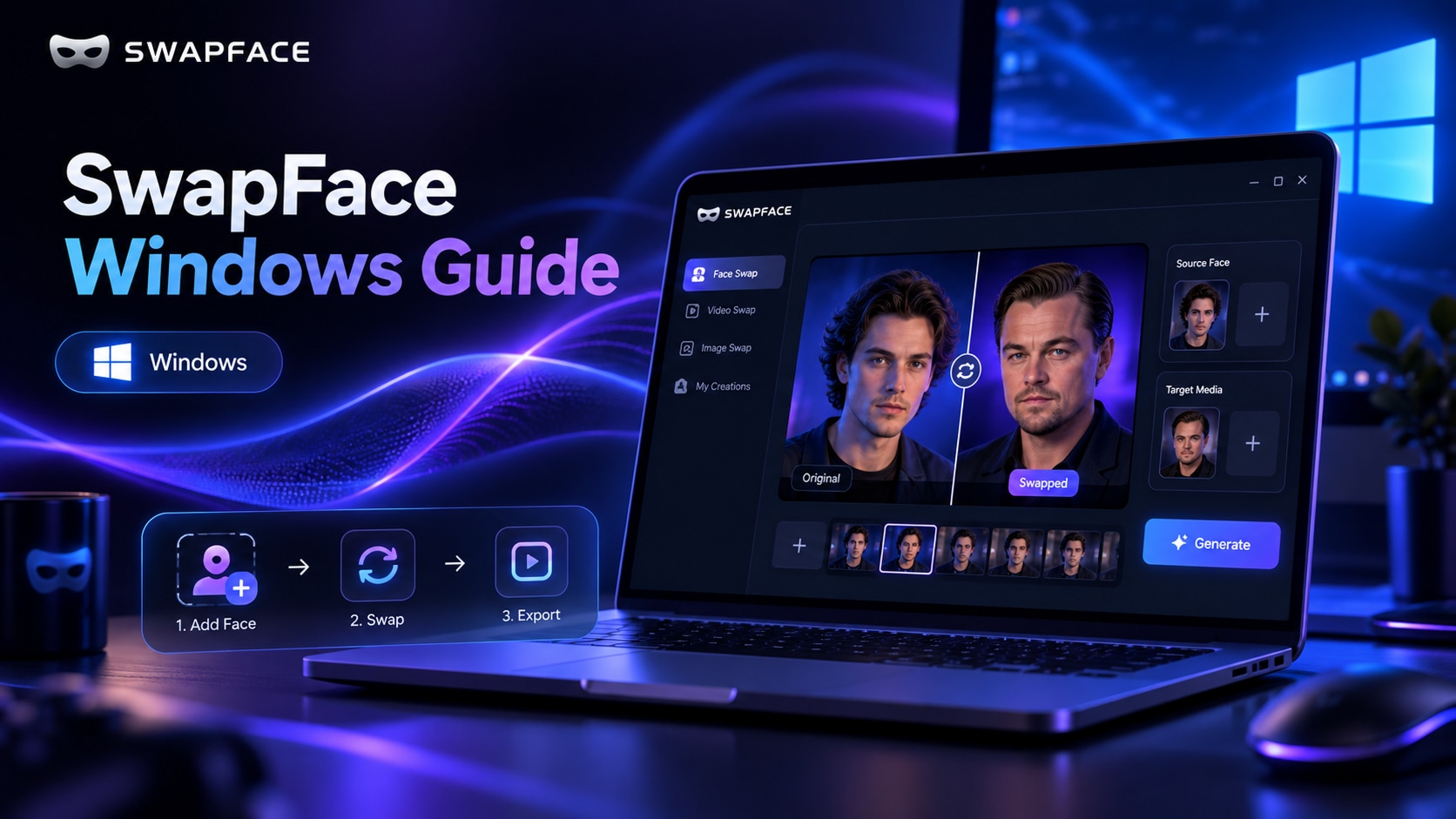
インストールとクイック設定から効果の最適化、トラブルシューティングまでをまとめた、SwapFace Windows リアルタイム顔交換の完全マニュアル。
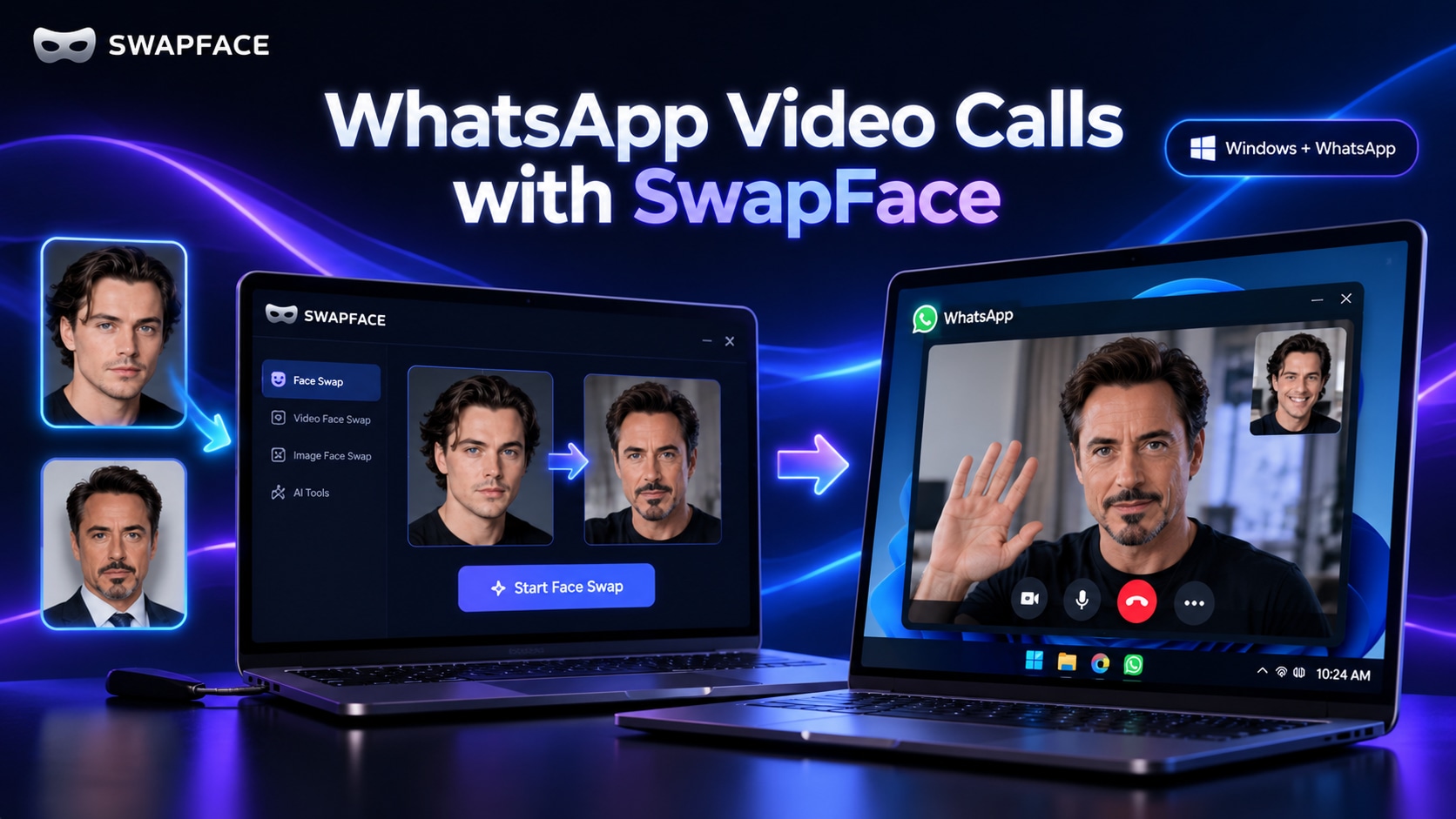
Swapface のリアルタイム顔交換映像を ManyCam または WeCam 経由で転送し、Windows の WhatsApp ビデオ通話で使うための完全セットアップガイド。
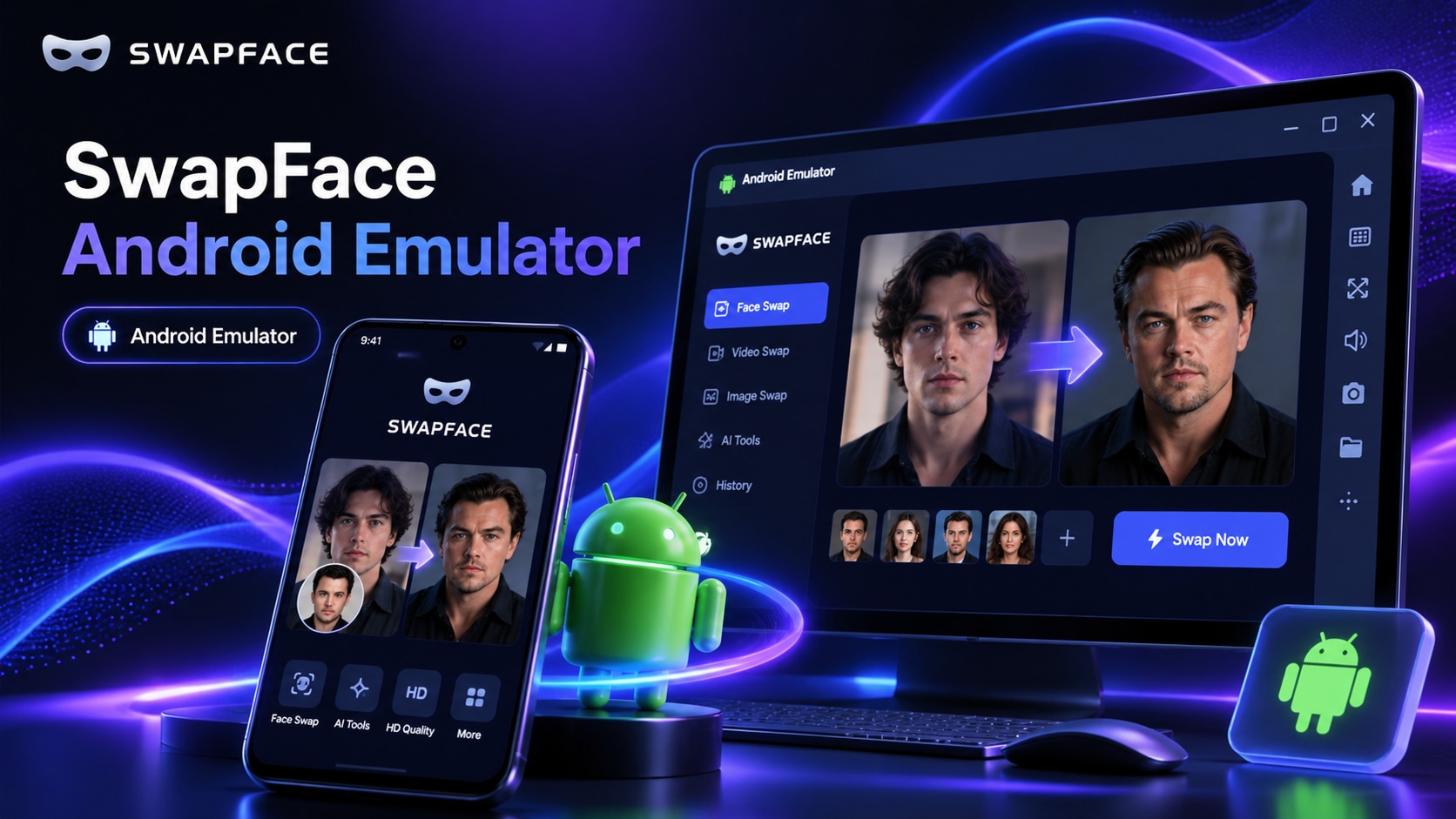
Windows 上で Nox Android Emulator、OBS Virtual Camera、WeCam を使い、Swapface のリアルタイム顔交換を WhatsApp ビデオ通話に使うための完全ガイド。
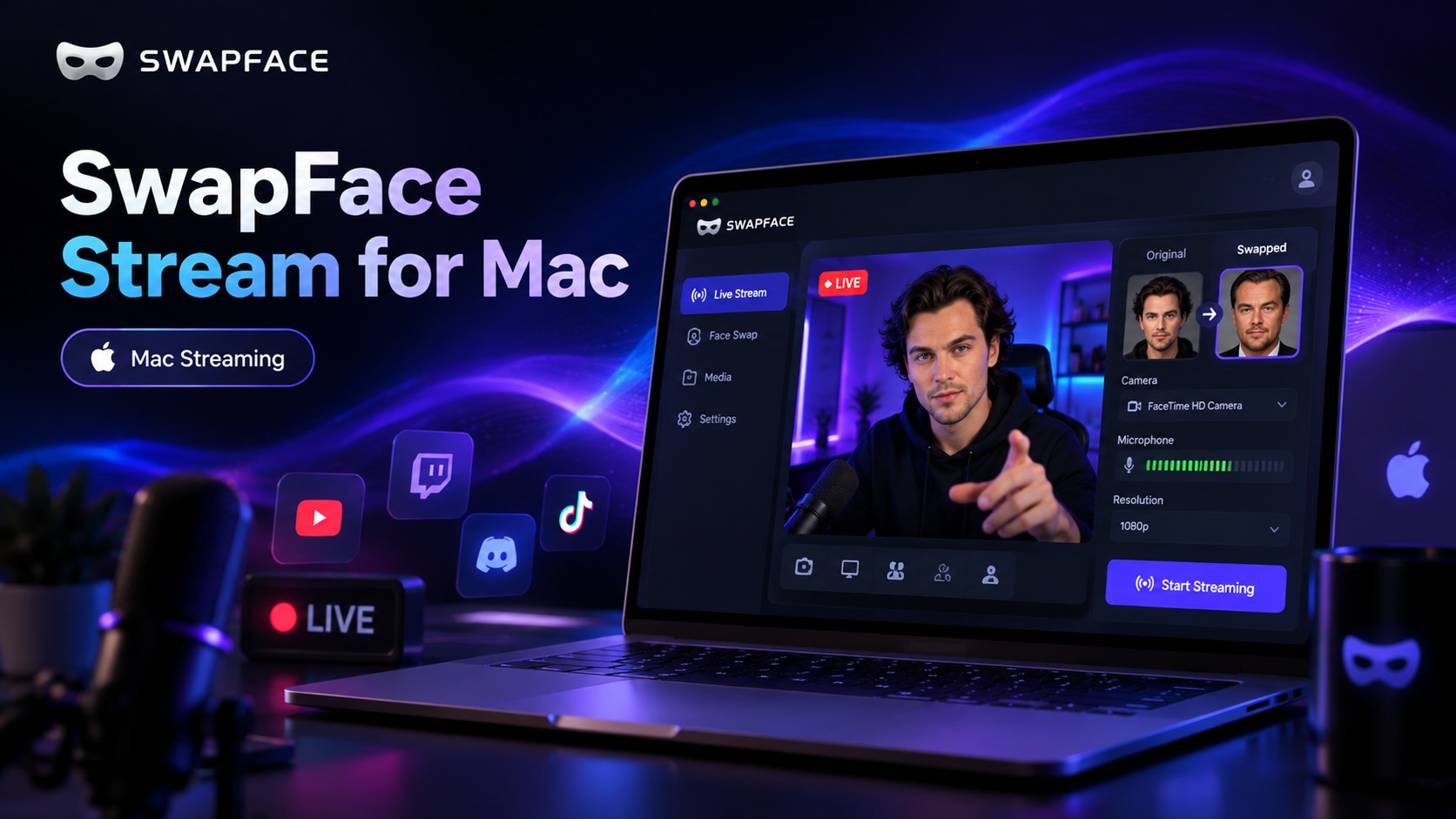
ワークフロー、Swapface と OBS のインストール、Stream の設定、Zoom・Meet などのアプリでの OBS Virtual Camera の使い方までをカバーする Mac 完全ガイドです。
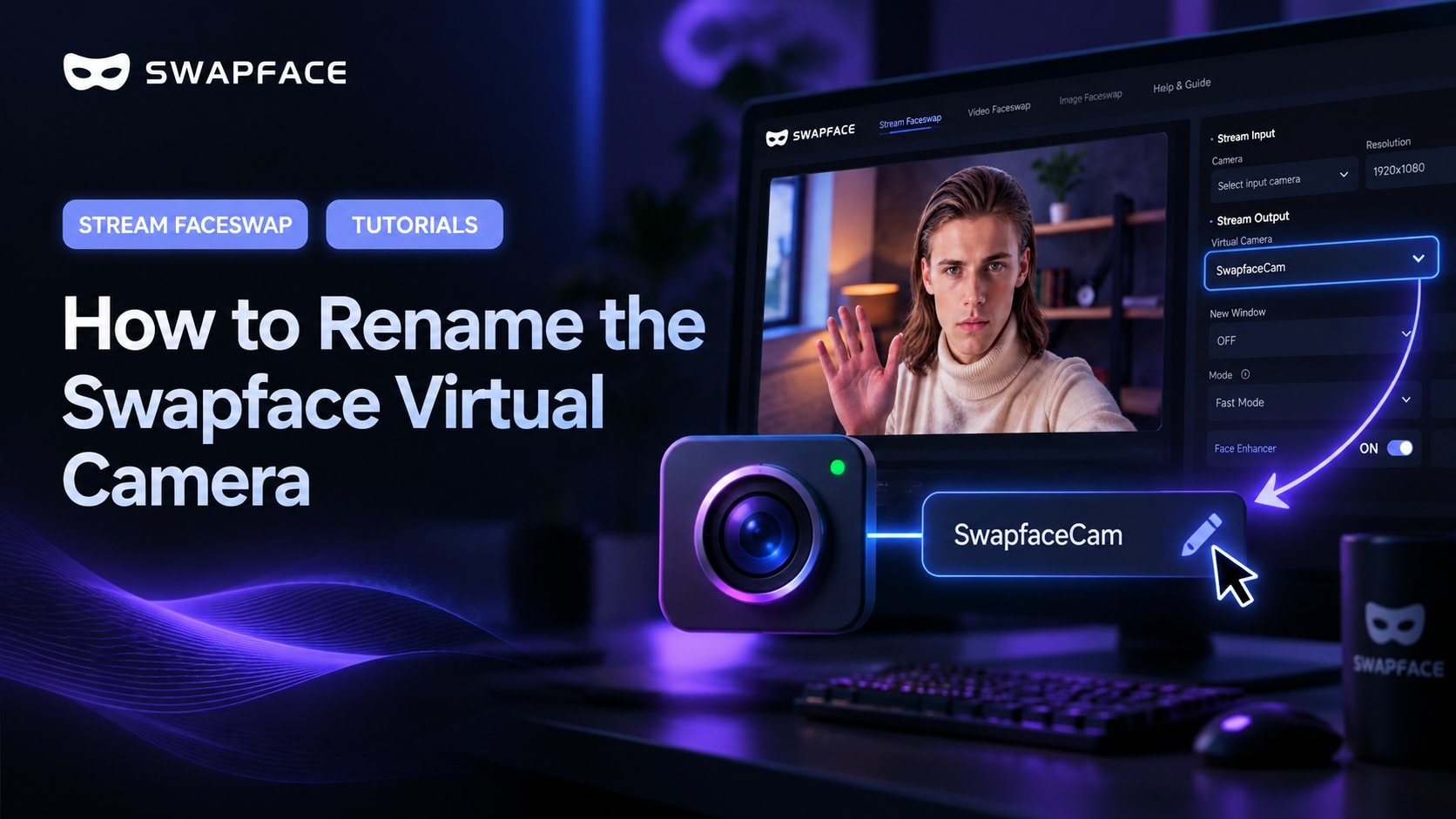
アプリには既定でカメラが「SwapfaceCam」と表示されます。約2分で Swapface 仮想カメラに好きな名前を付けられます。