


카메라 연결
웹캠을 연결하면 나머지는 Swapface가 처리합니다.
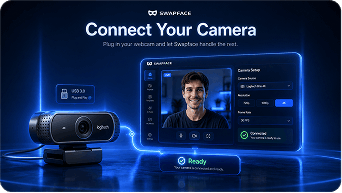
카메라를 연결하고 얼굴을 선택하면 부드러운 트래킹, 자연스러운 표정, 초저지연으로 라이브 영상을 변환할 수 있습니다.
원본 카메라와 가상 카메라 출력을 실시간으로 미리 볼 수 있습니다.
실시간으로 얼굴을 바꾸고 즉시 라이브하세요. 초고속, 안전, 크리에이터를 위해 설계되었습니다.


웹캠을 연결하면 나머지는 Swapface가 처리합니다.
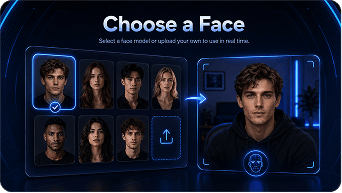
얼굴 모델을 선택하거나 직접 업로드해 실시간으로 사용하세요.
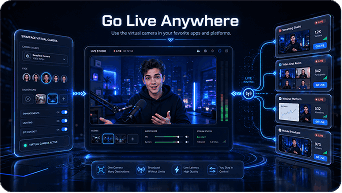
자주 쓰는 앱과 플랫폼에서 가상 카메라를 사용하세요.
첨단 실시간 기술로 초저지연과 안정성을 갖춘 매끄러운 페이스 스왑을 제공합니다.
실시간 성능에 최적화되어 지연을 최소화합니다.
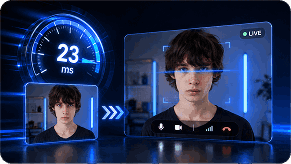
얼굴 움직임과 표정을 정확히 따라갑니다.
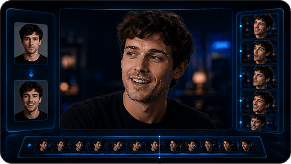
웹캠을 지원하는 모든 앱과 원활하게 작동합니다.
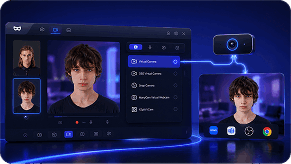
AI 처리는 기기에서 이루어지며 데이터는 비공개로 유지됩니다.

게임 스트리밍부터 회의까지, Swapface로 어디서나 매력적인 라이브 콘텐츠를 만들 수 있습니다.
 게임 스트리밍
 VTuber 콘텐츠
 라이브 채팅
 화상 회의
화상 회의 크리에이티브 콘텐츠
 엔터테인먼트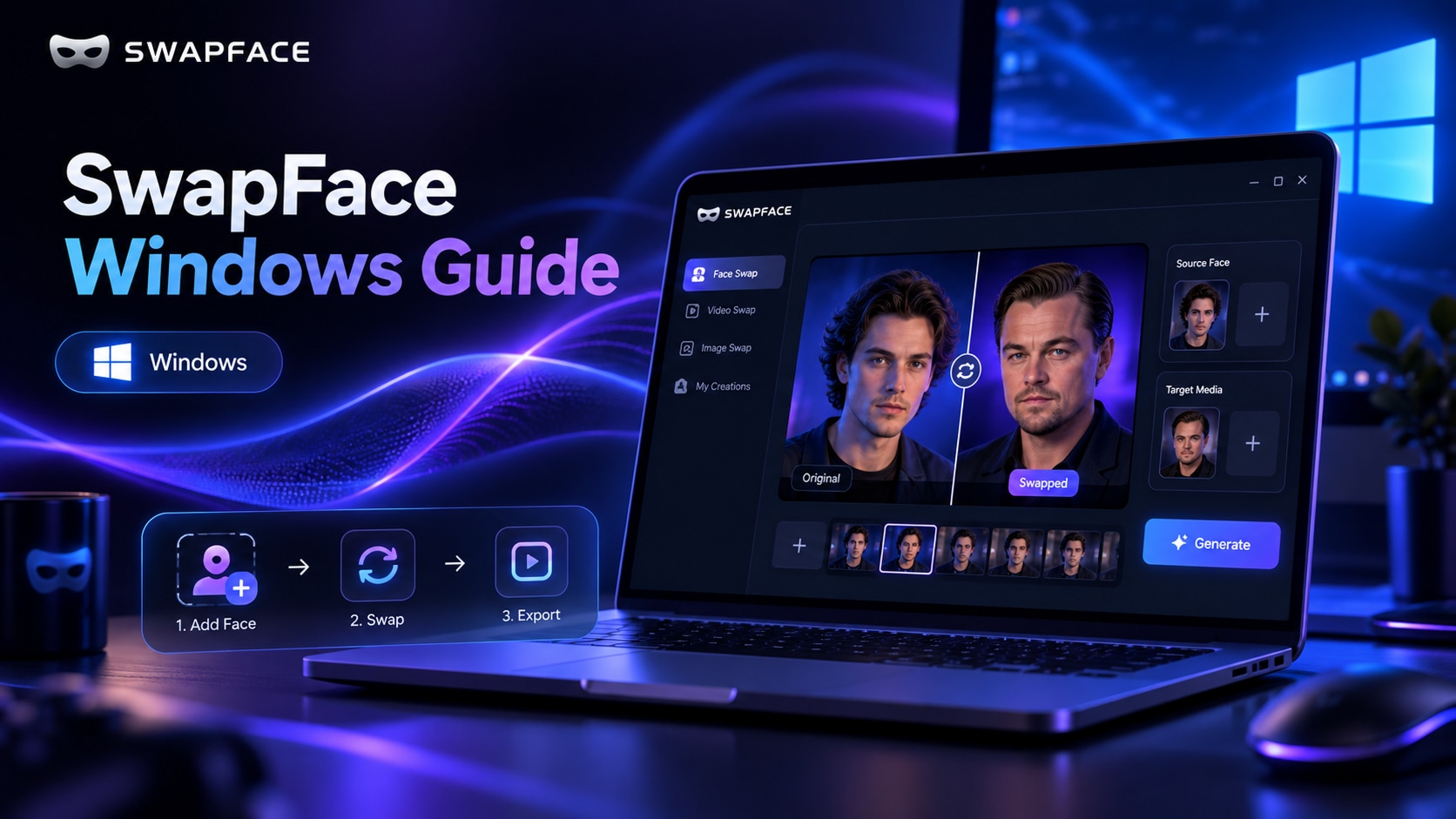
설치와 빠른 설정부터 효과 최적화 및 문제 해결까지 다루는 SwapFace Windows 실시간 얼굴 교체 완전 매뉴얼입니다.
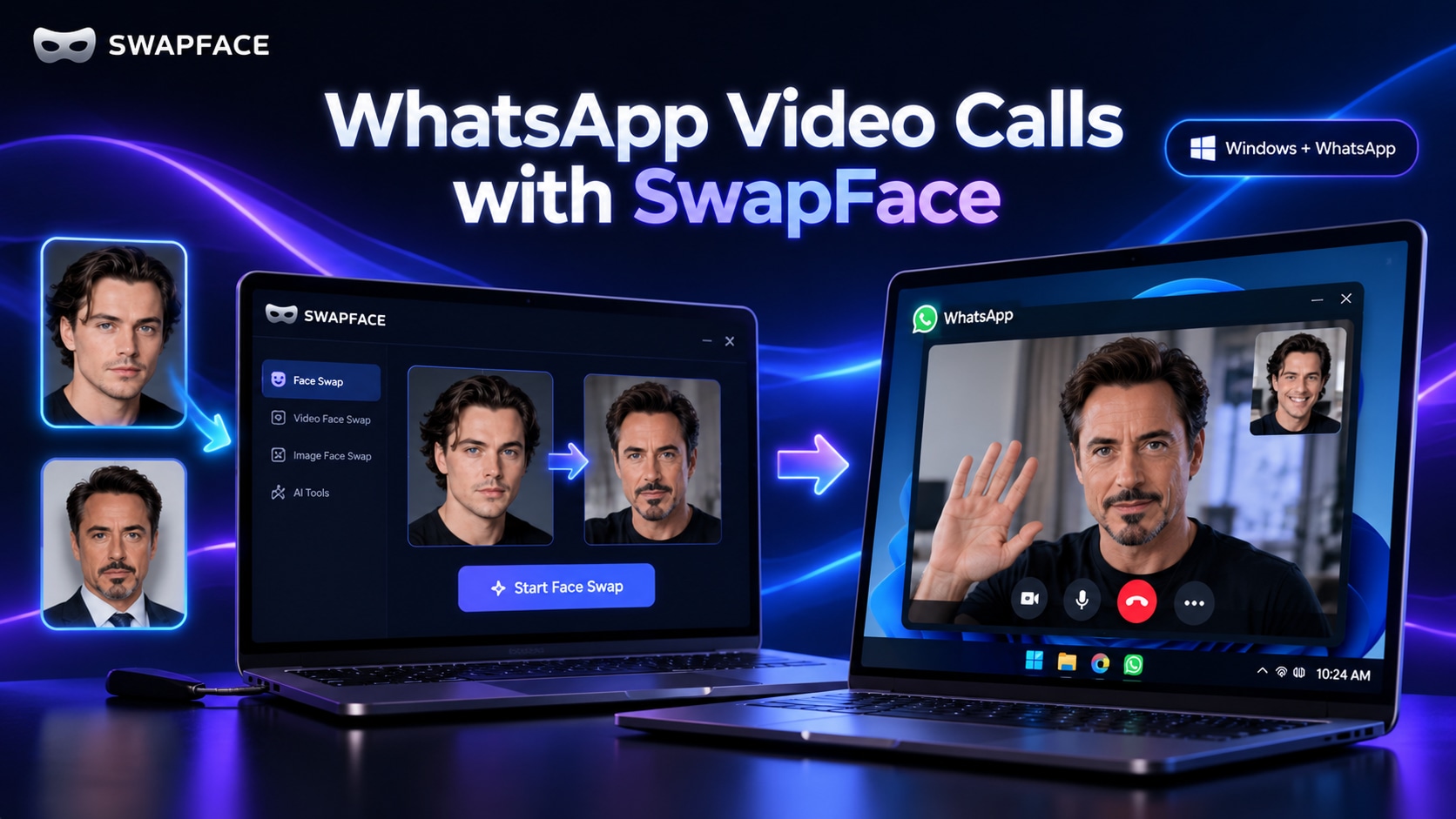
Swapface 실시간 얼굴 교체 영상을 ManyCam 또는 WeCam을 통해 중계하여 Windows WhatsApp 영상 통화에서 사용하는 전체 설정 가이드입니다.
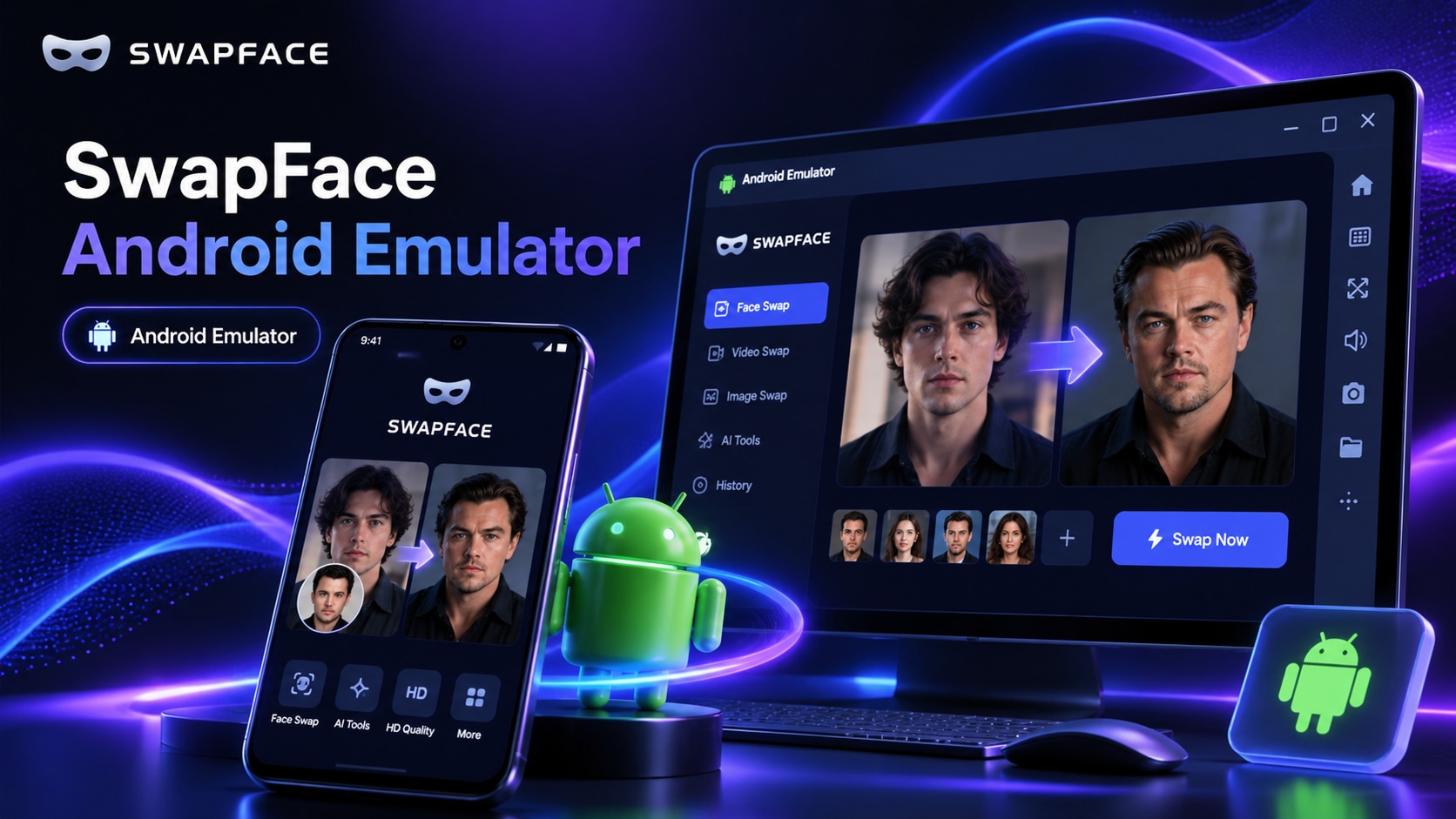
Windows에서 Nox Android Emulator, OBS Virtual Camera, WeCam을 통해 Swapface 실시간 얼굴 교체를 WhatsApp 영상 통화에 사용하는 완전한 가이드입니다.
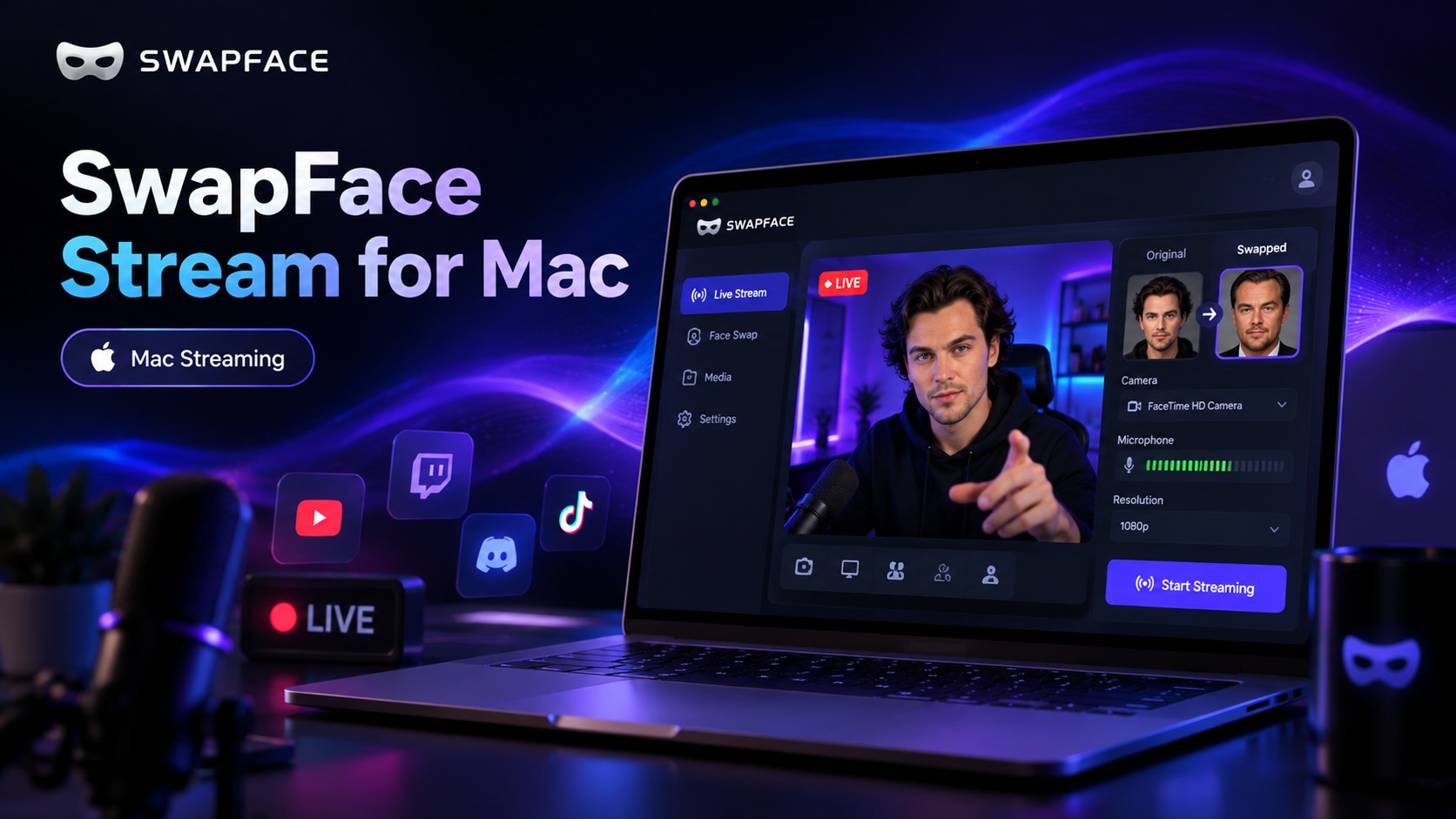
워크플로, Swapface와 OBS 설치, Stream 구성, Zoom·Meet 등 앱에서 OBS Virtual Camera 사용까지 다루는 Mac 완전 가이드입니다.
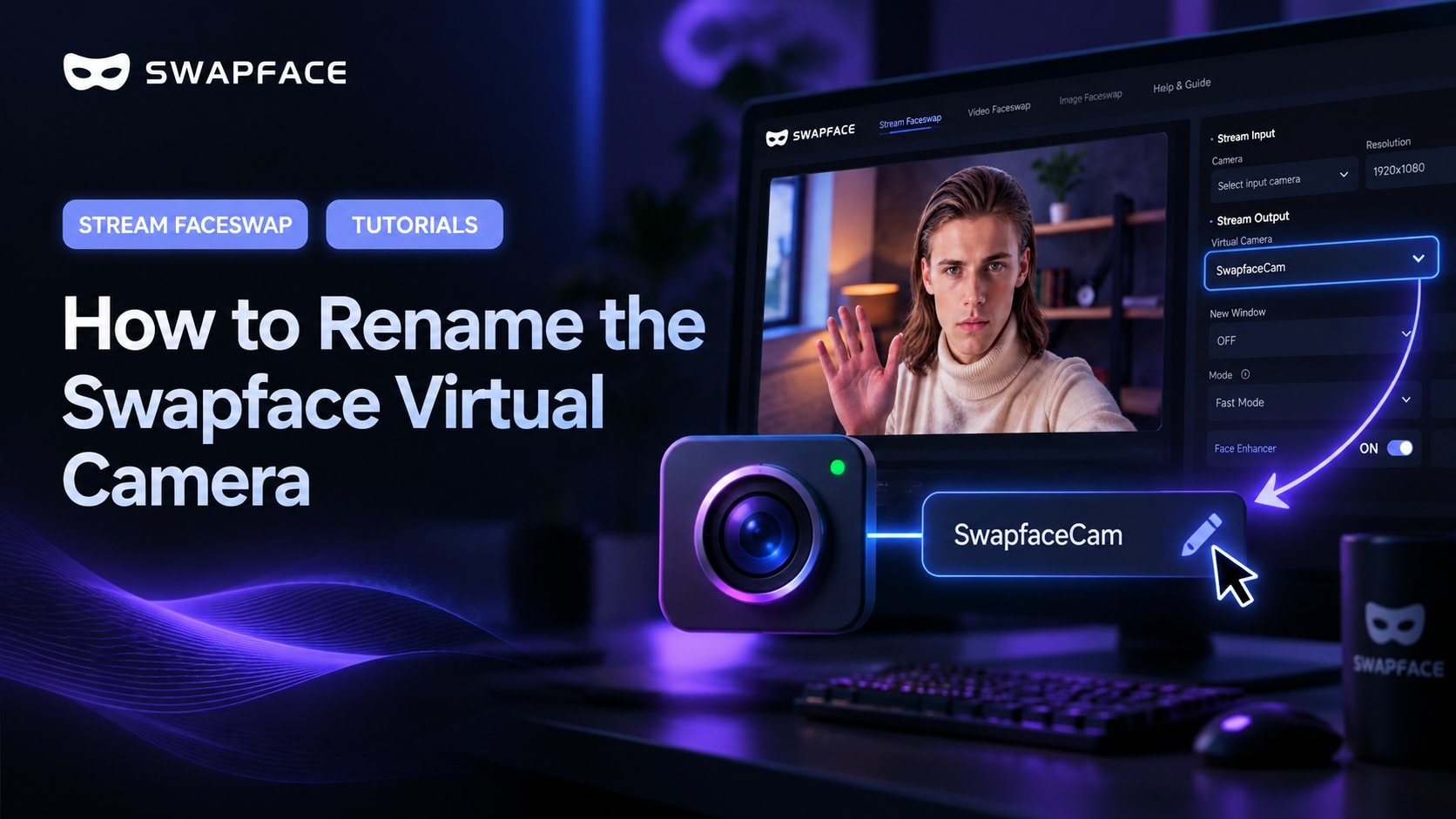
기본적으로 앱은 카메라를 “SwapfaceCam”으로 표시합니다. 약 2분이면 Swapface 가상 카메라에 원하는 이름을 지정할 수 있습니다.