


Connect Your Camera
Plug in your webcam and let Swapface handle the rest.
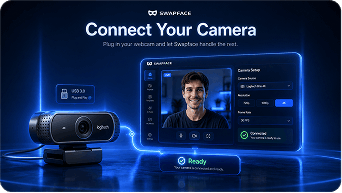
Connect your camera, choose a face, and transform your live video with smooth tracking, natural expressions, and ultra-low latency.
Preview the original camera and virtual camera output in real time.
Swap faces in real time and go live instantly. Ultra-fast, secure, and built for creators.


Plug in your webcam and let Swapface handle the rest.
Select a face model or upload your own to use in real time.

Use the virtual camera in your favorite apps and platforms.
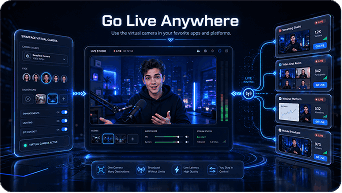
Advanced real-time technology ensures seamless face swaps with ultra-low latency and stability.
Optimized for real-time performance with minimal delay.
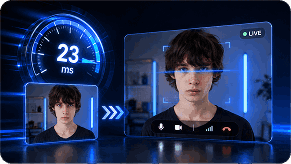
Accurately follows facial movements and expressions.

Works seamlessly with any app that supports a webcam.
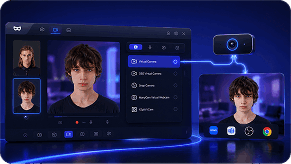
AI processing happens on your device. Your data stays private.

From gaming to meetings, Swapface helps you create engaging live content anywhere.
 Game Streaming
 VTuber Content
 Live Chat
 Video Meetings
 Creative Content
 Entertainment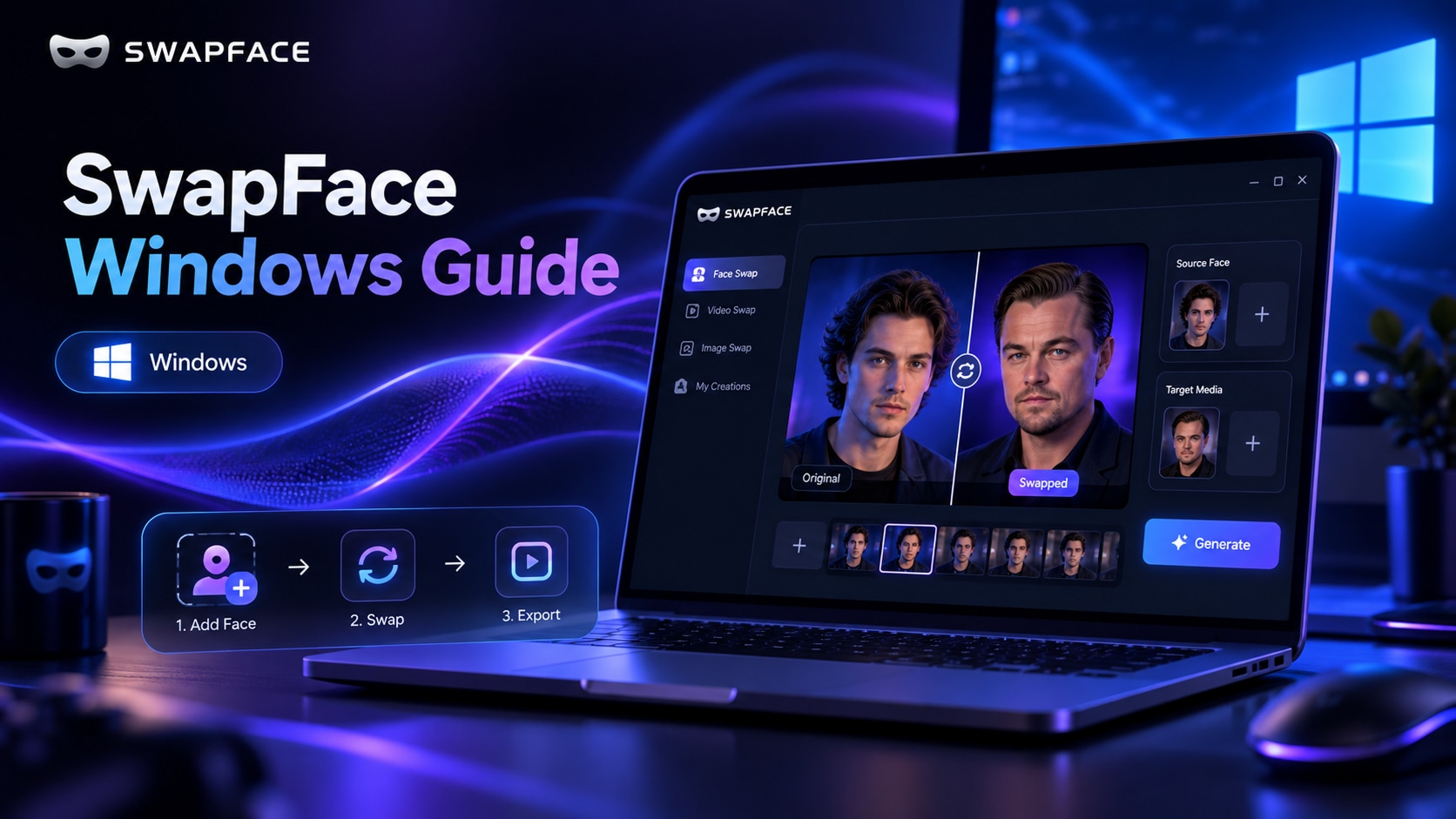
A complete SwapFace Windows realtime face swap manual—from installation and quick setup to effect optimization and troubleshooting.
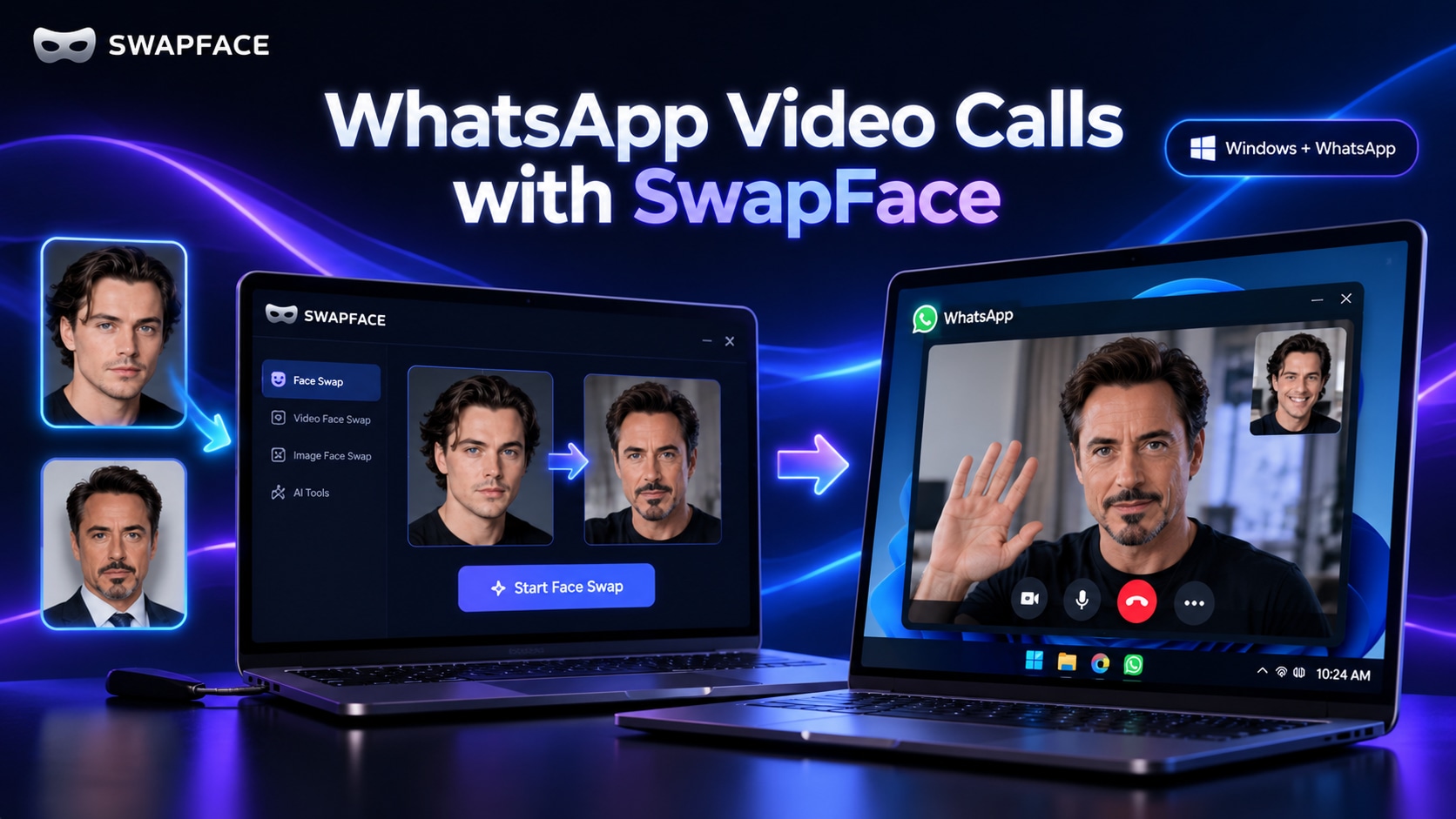
A complete setup guide for routing Swapface realtime face swap through ManyCam or WeCam so you can use it in WhatsApp video calls on Windows.
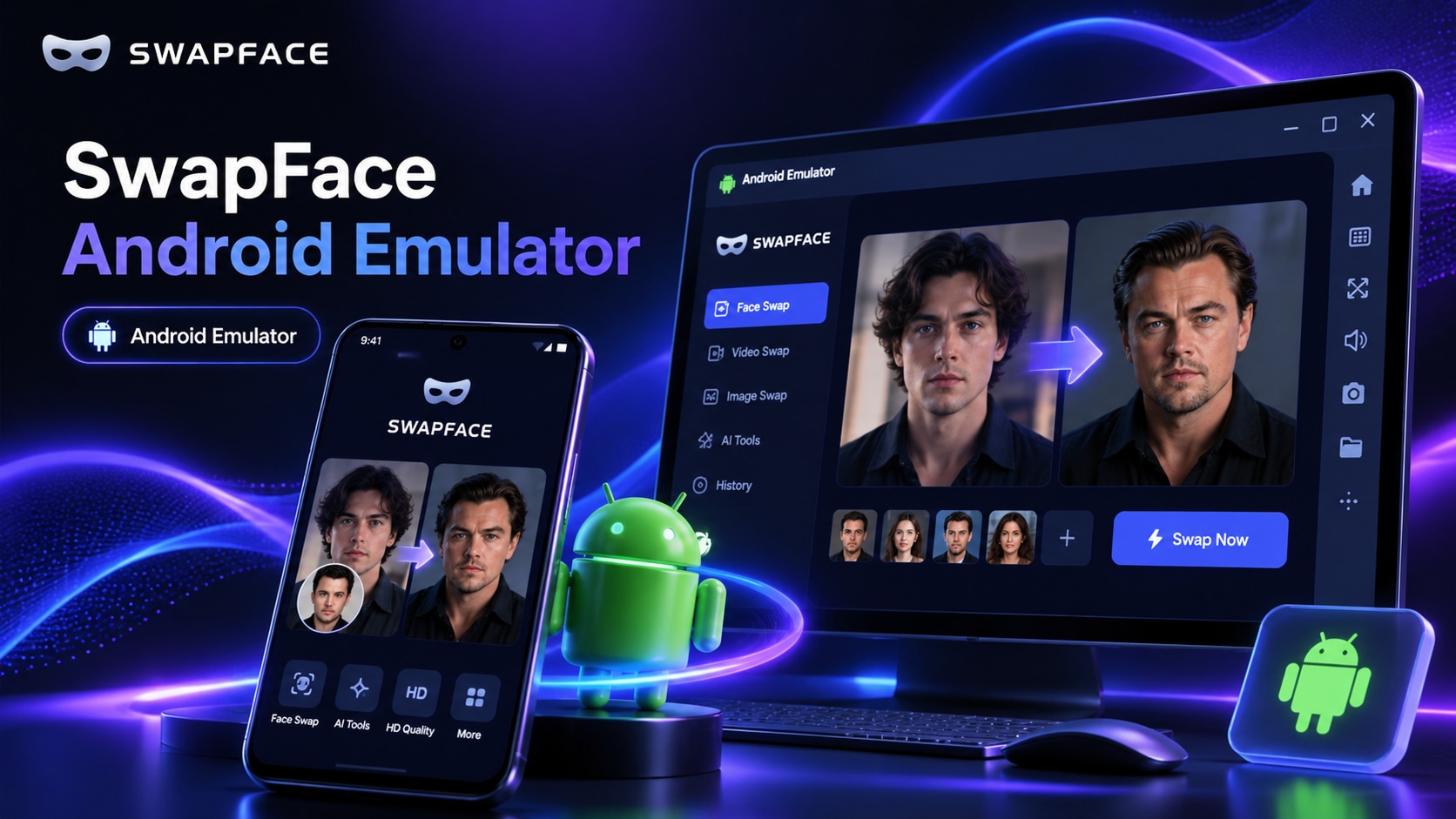
A complete guide to using Swapface realtime face swap for WhatsApp video calls on Windows via the Nox Android Emulator, OBS Virtual Camera, and WeCam.
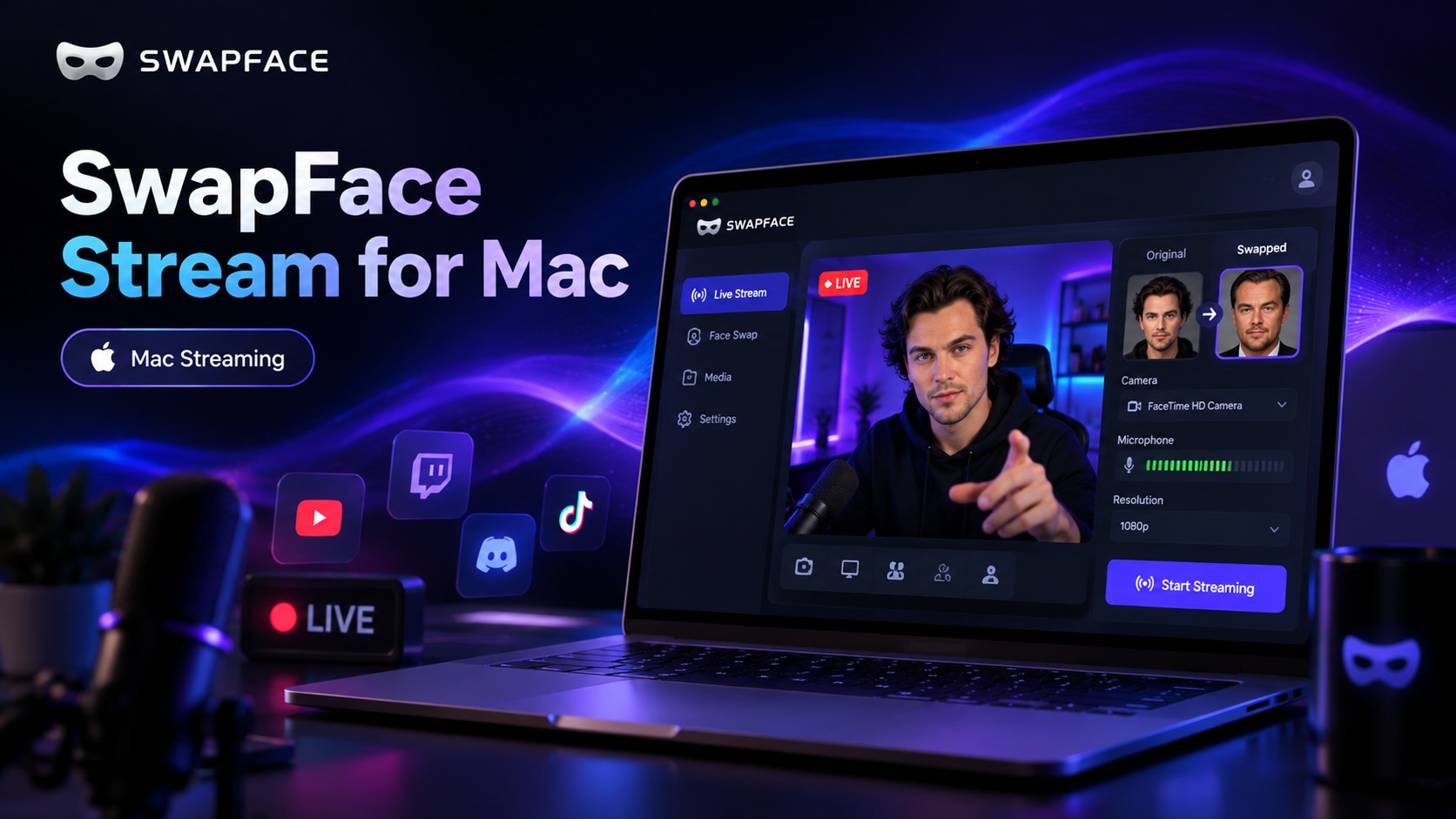
A complete Mac guide covering the workflow, installing Swapface and OBS, configuring Stream, and using OBS Virtual Camera in Zoom, Meet, and other apps.
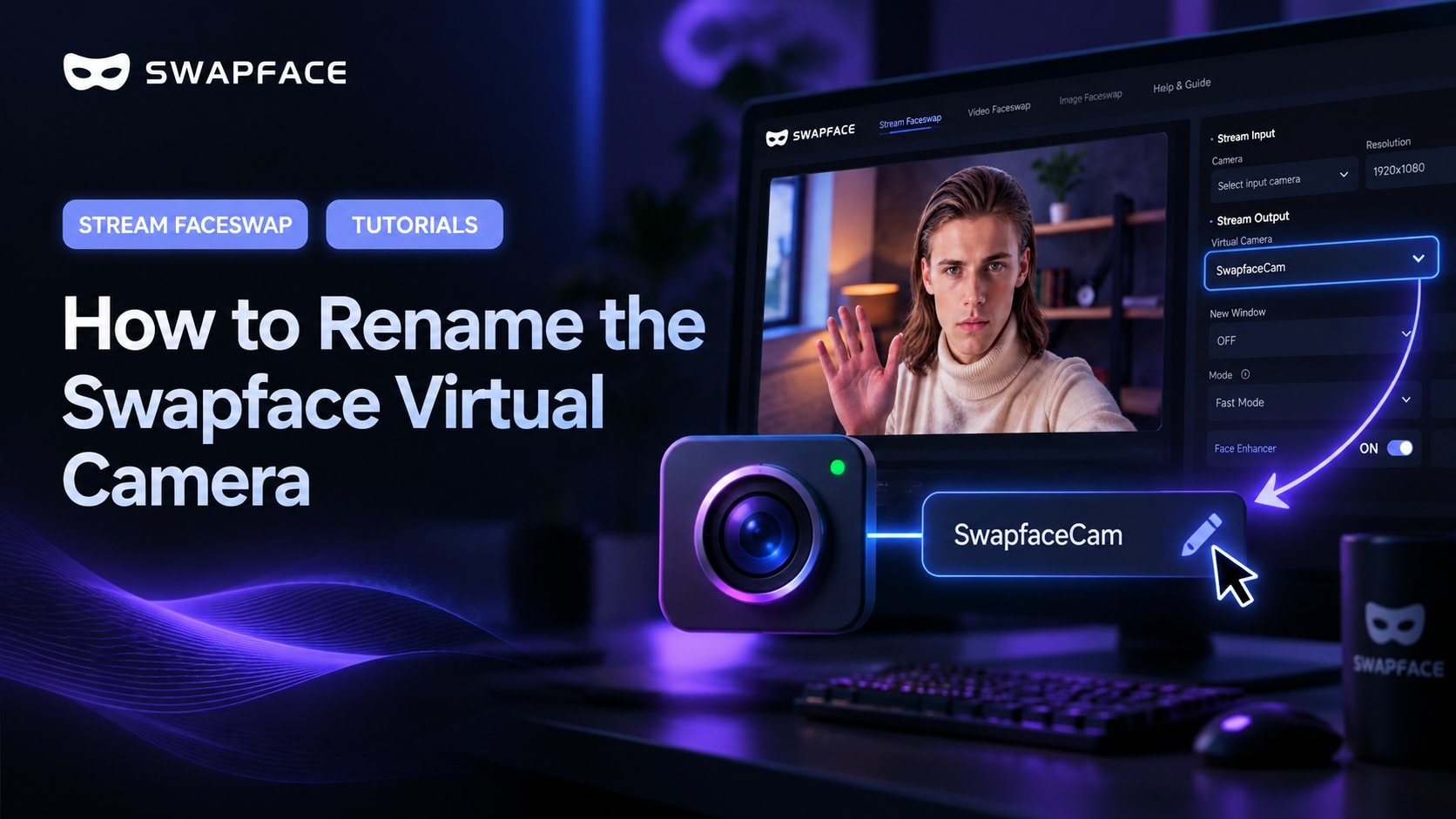
By default, apps see your camera as “SwapfaceCam”. Here is how to give the Swapface virtual camera any name you like, in about two minutes.

© 2026 swapface.org. All rights reserved.
Privacy PolicyTerms of ServiceUsage PolicyRefund PolicyAbout