Upload Your Image
Upload a JPG, PNG, or WEBP image with a clear face.
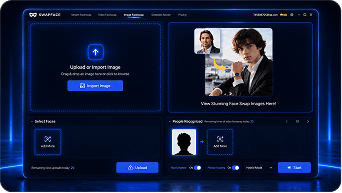
Upload a photo, select a face, and create a smooth, realistic transformation with natural skin tone, lighting, and facial details.
Drag the divider to compare the original image with the face swap result.
Upload a JPG, PNG, or WEBP image with a clear face.
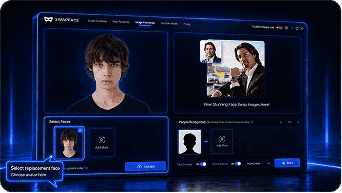
Choose a face from a portrait or select a saved face model.
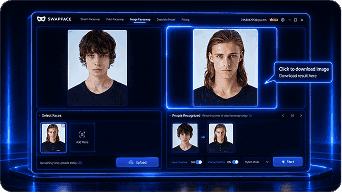
Generate your face-swapped image and download the result.
Advanced AI ensures precise alignment and seamless blending for images that look completely real.
AI precisely aligns facial features for perfect positioning.
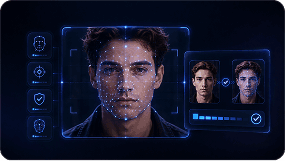
Preserves original skin tone, lighting, and shadows.
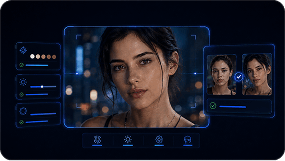
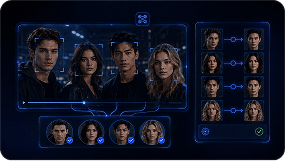
Detect and replace one or multiple faces in the same image.
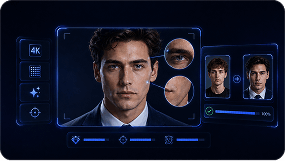
Supports high-resolution images with crisp, clear details.
From short social videos to creative film scenes, Swapface helps you transform characters while preserving natural motion and expressions.
 Social Profiles
 Memes
Memes Group Photos
 Creative Portraits
 Marketing Visuals
 Entertainment
© 2026 swapface.org. All rights reserved.
Privacy PolicyTerms of ServiceUsage PolicyRefund PolicyAbout